Media
Photo galleries
Attach images to a place and review them in a timeline with fullscreen zoom.

Mobile product tour
TejasView
Scroll sideways · tap any screen to jump
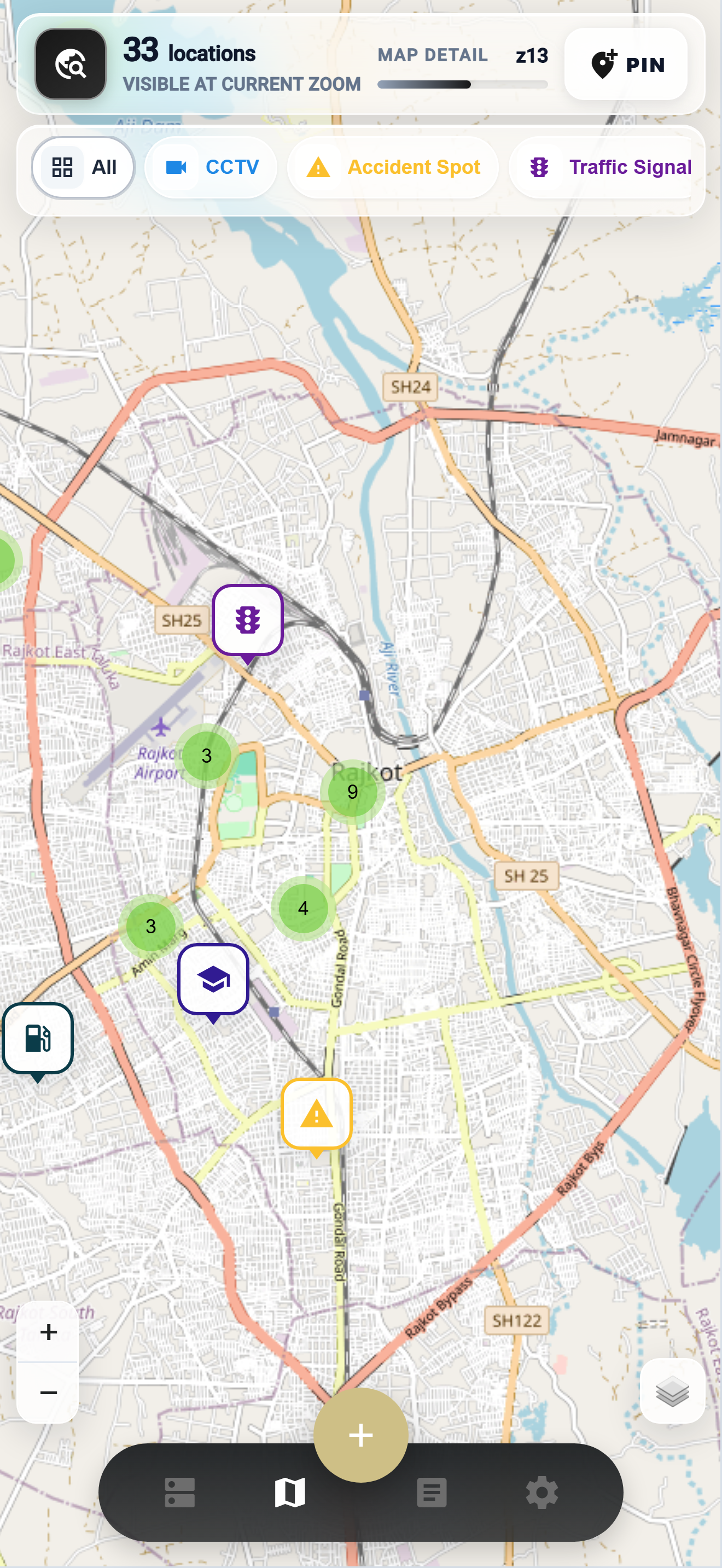
01 · First open
TejasView introduces itself in one beat — locations, routes, cameras — then moves you into the workspace without noise.
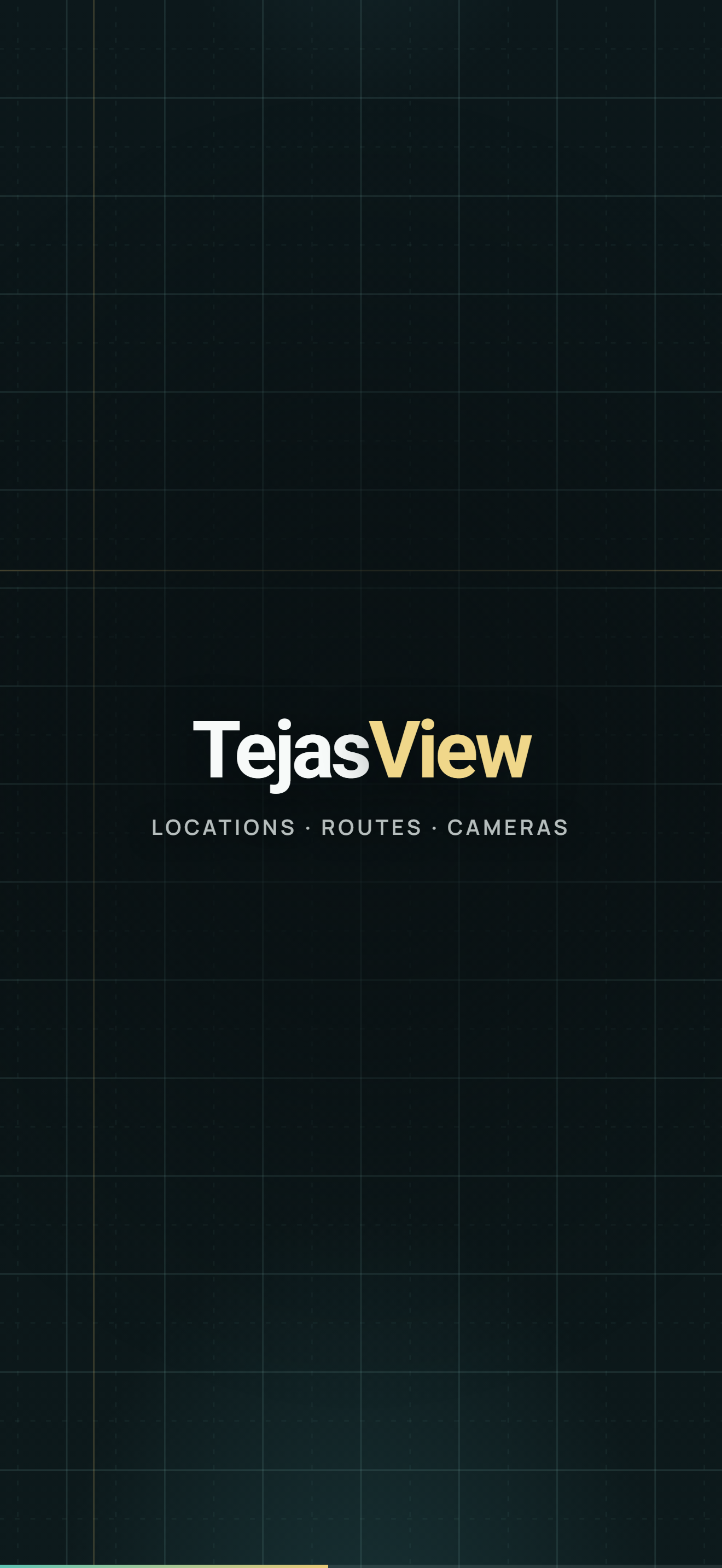
02 · Connect
Enter the server code from your admin. TejasView connects to that host — switch anytime and the whole product follows, without installing another app.
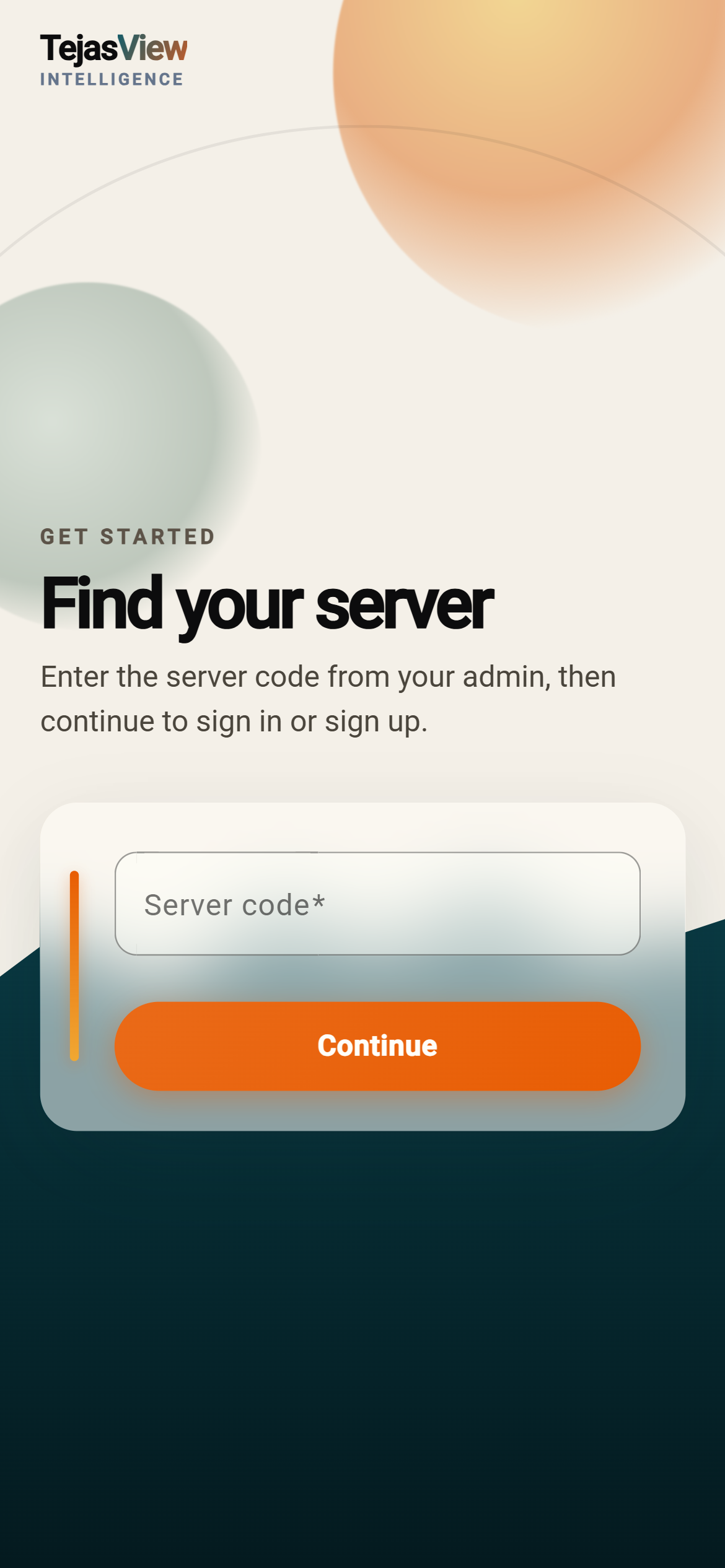
03 · Access
With your server already chosen, unlock with the email and password your admin gave you — then you’re in the field workspace.
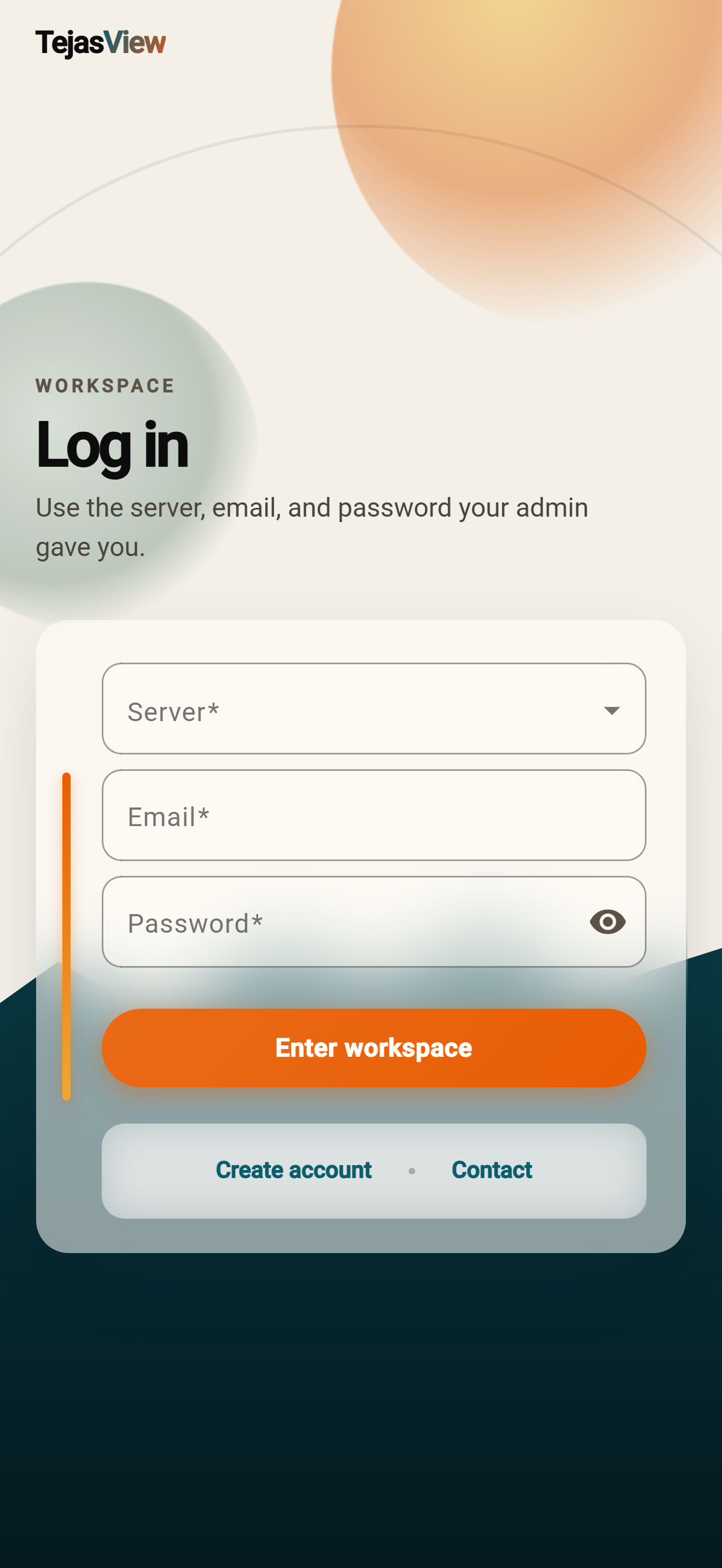
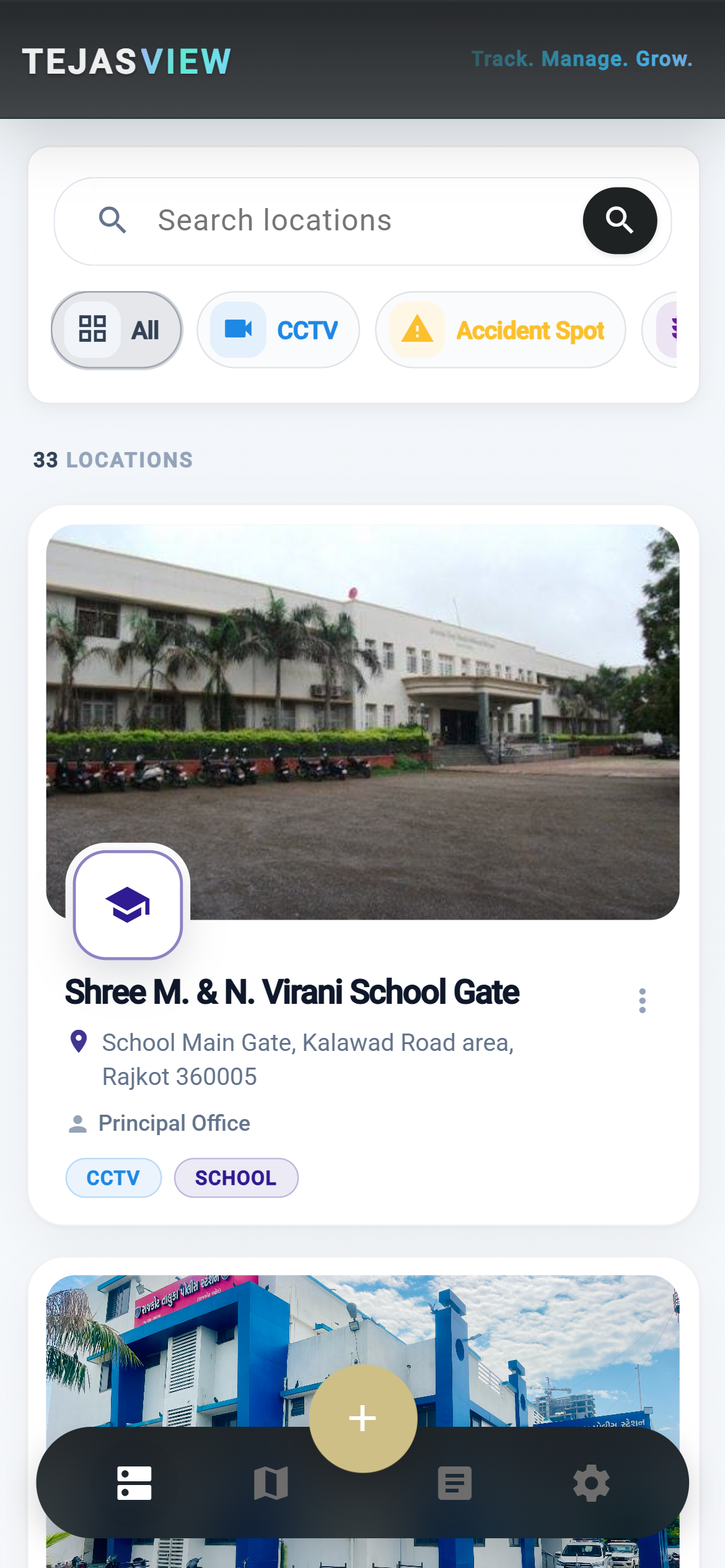
04 · Browse
Search by name, filter by type, and scan cards for address and contact — CCTV, accident spots, and traffic signals stay visually distinct.
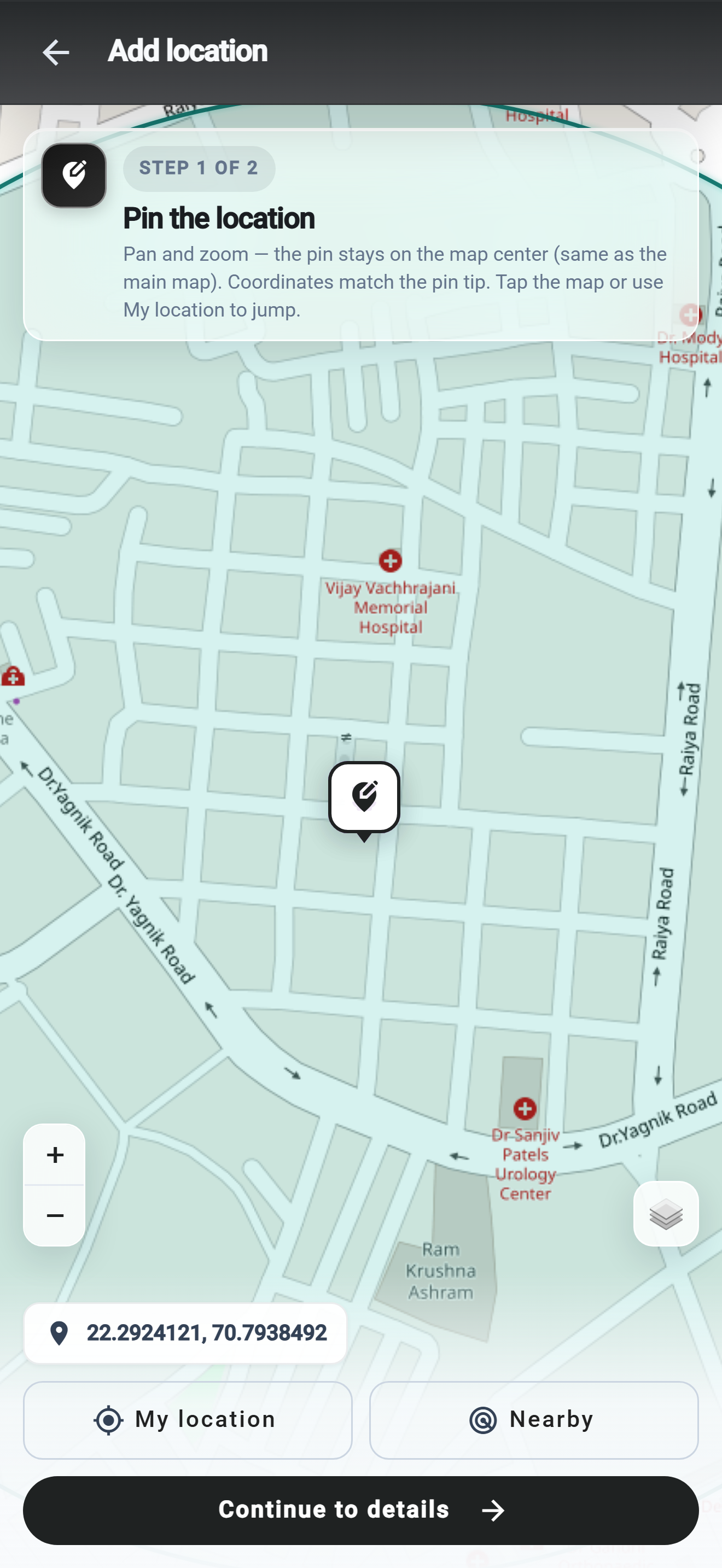
05 · Add · step 1 of 2
Adding a location is deliberately two parts. First: a large map so you can pan, zoom, and place the tip with live coordinates.
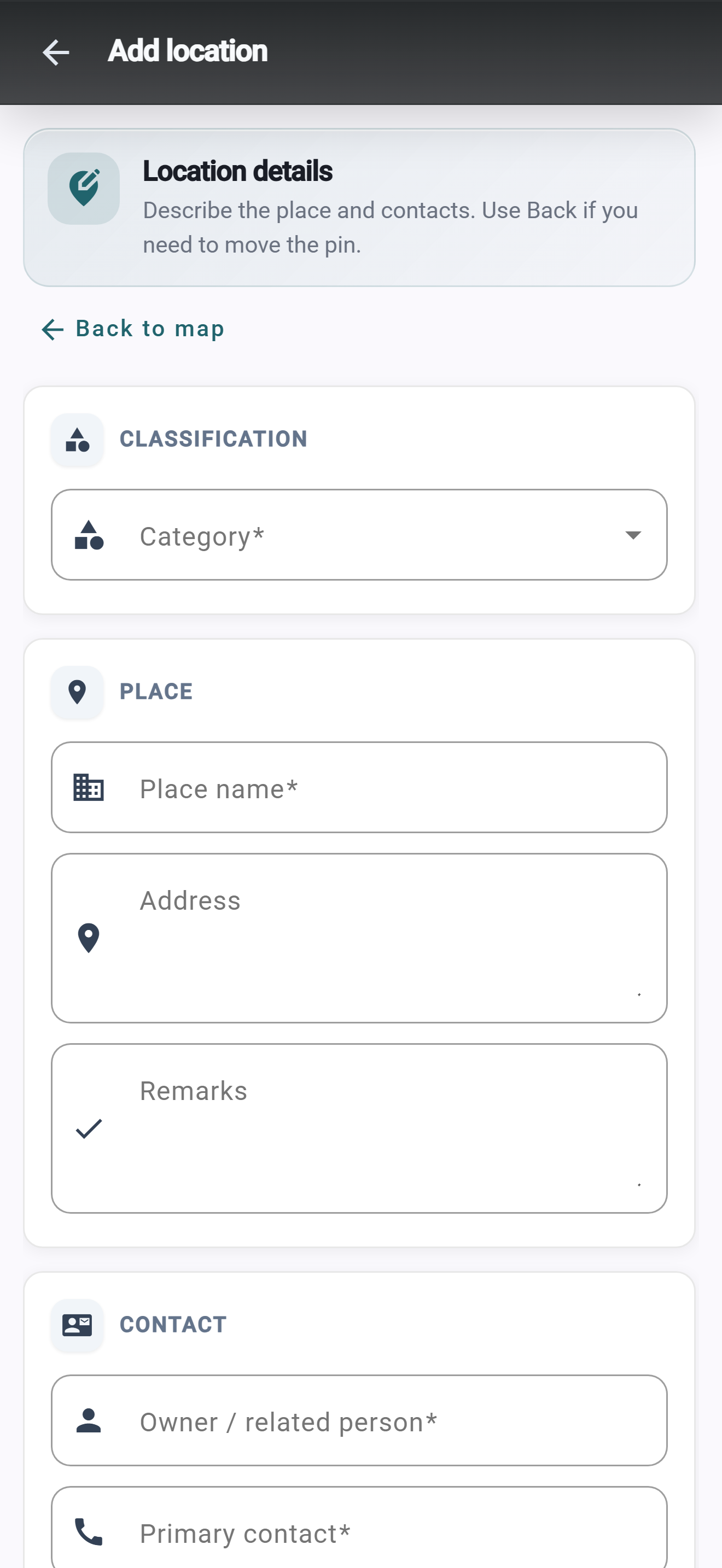
06 · Add · step 2 of 2
Second screen: category, name, address, remarks, and contacts — without crowding the map. Go back anytime to nudge the tip.
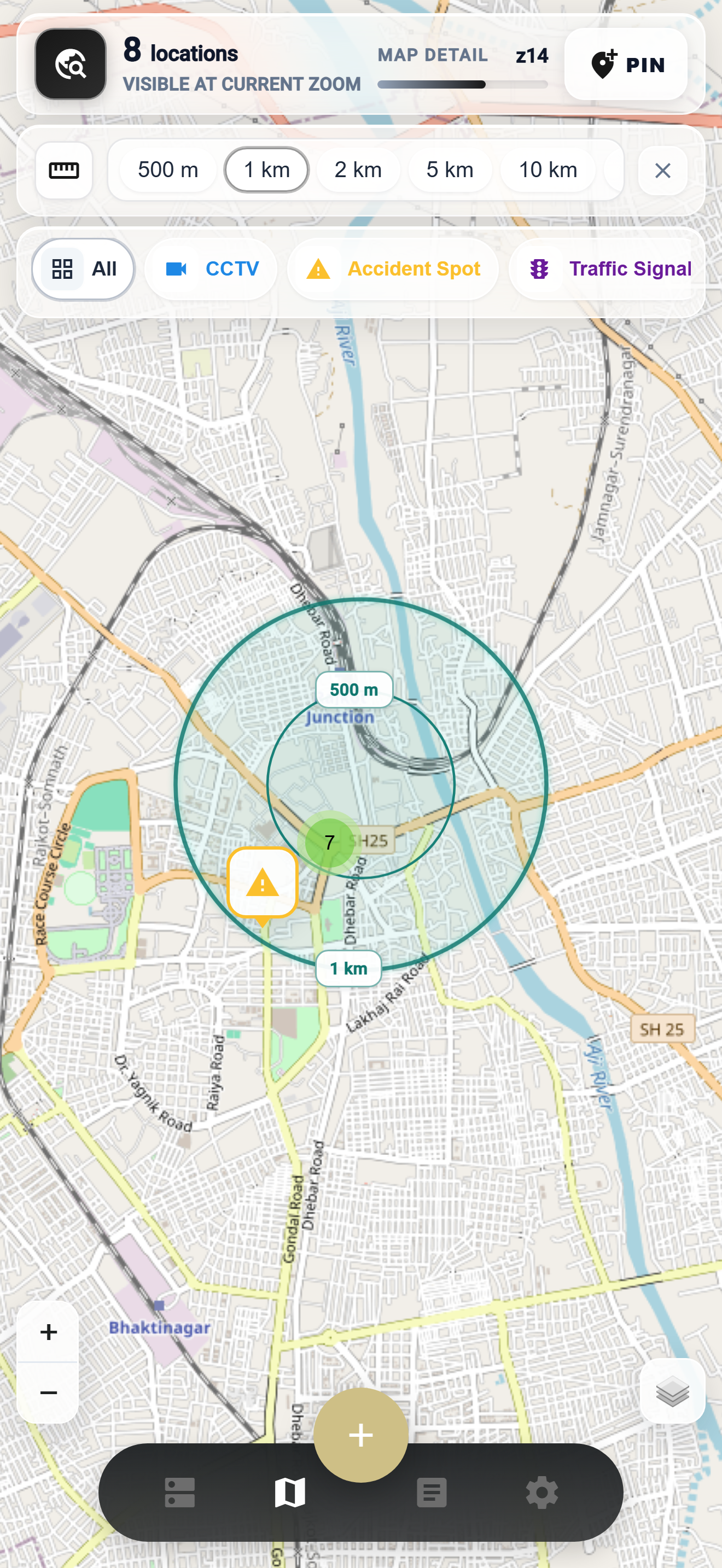
07 · Explore
Clusters, colour markers, zoom detail, and basemap layers — dense city data that stays readable.
08 · Field check
Drop a search pin, set 500 m to 15 km, then filter by category — only the CCTV, accident spots, or signals inside that circle.
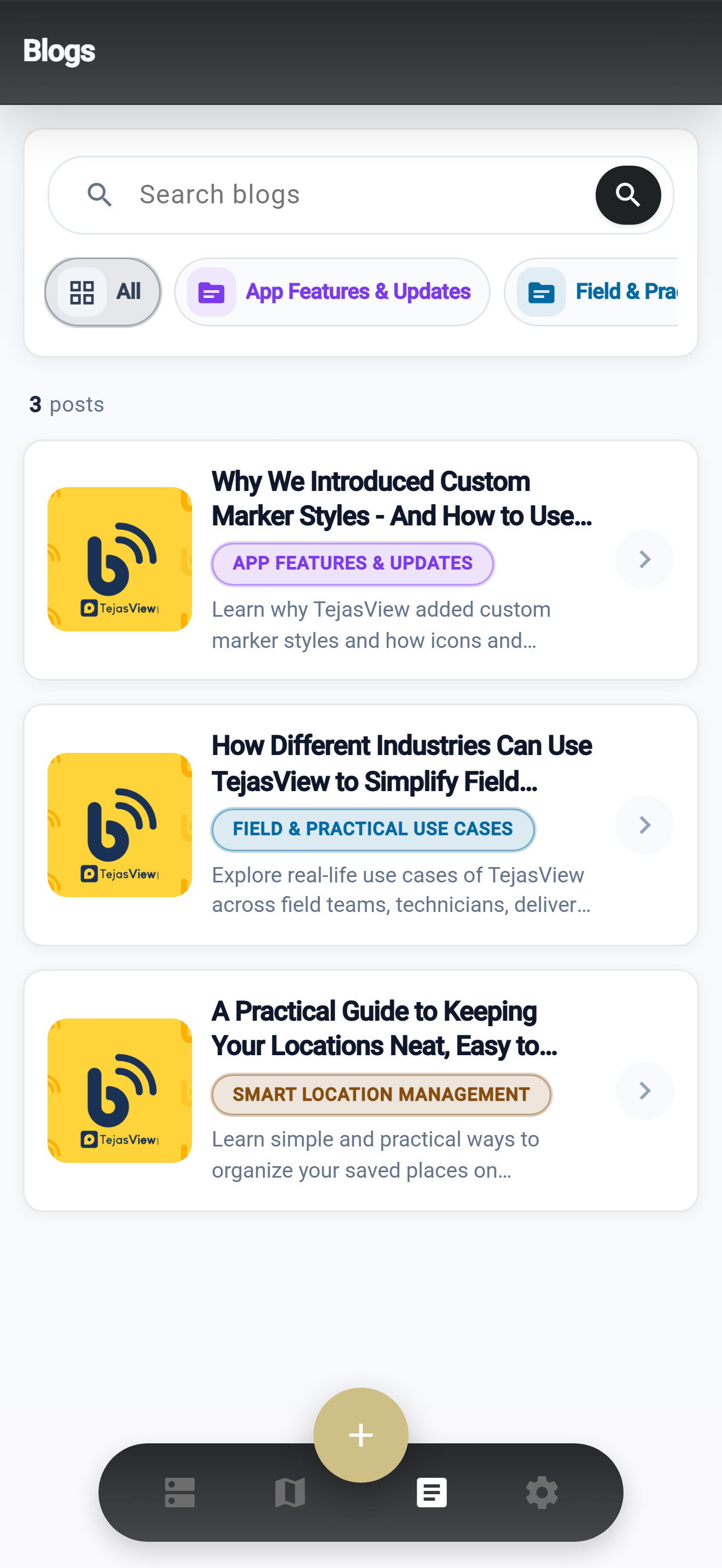
09 · Updates
TejasTalks lives inside the product — feature notes and field tips, searchable and filtered by category.
10 · Control
Profile, password, notifications, help — and the language your team actually uses day to day.
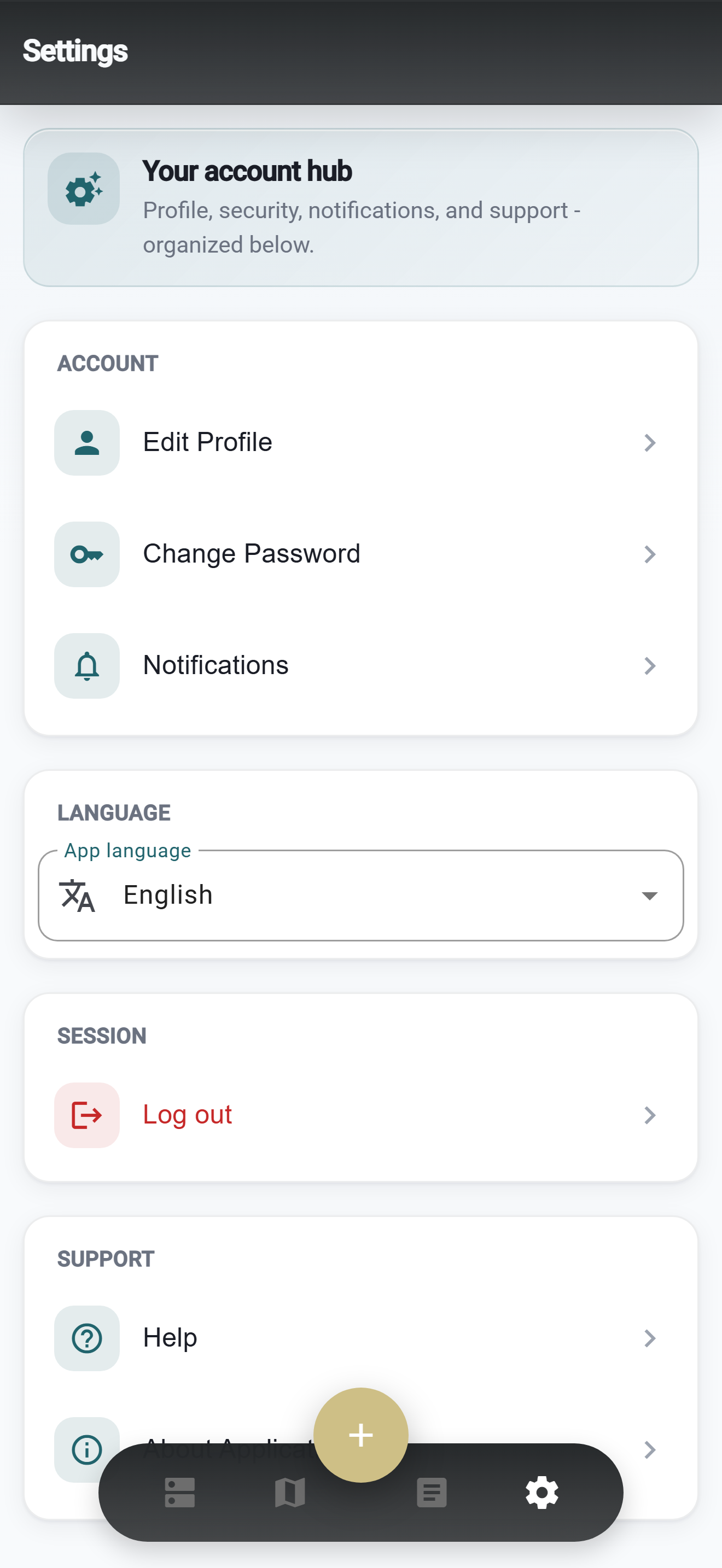
Field and office can share one app in English, Hindi, or Gujarati — change it anytime in Settings → App language.
Everyday tools that keep location work accurate across people and shifts.
Media
Attach images to a place and review them in a timeline with fullscreen zoom.
Collab
Threaded notes — optional photos — so the next visit starts informed.
Cameras
Track footage days, availability, and night-vision per location.
Organise
Bundle related places into named sets for clearer planning.
Map
Switch street, satellite, and other server-configured tiles.
Native
Capacitor builds with GPS, camera, and device-aware sessions.
Alerts
Paginated activity for logins, account changes, and ops updates.
Account
Update photo and credentials without leaving the mobile app.
Language
Full UI language switch remembered across sessions.
From welcome to radius checks — TejasView is shaped for how location work actually happens in the field.